Settings that control availability, messaging, and reporting.
Settings that control availability, messaging, and reporting.
Configure
Configure your timetable and booking rules
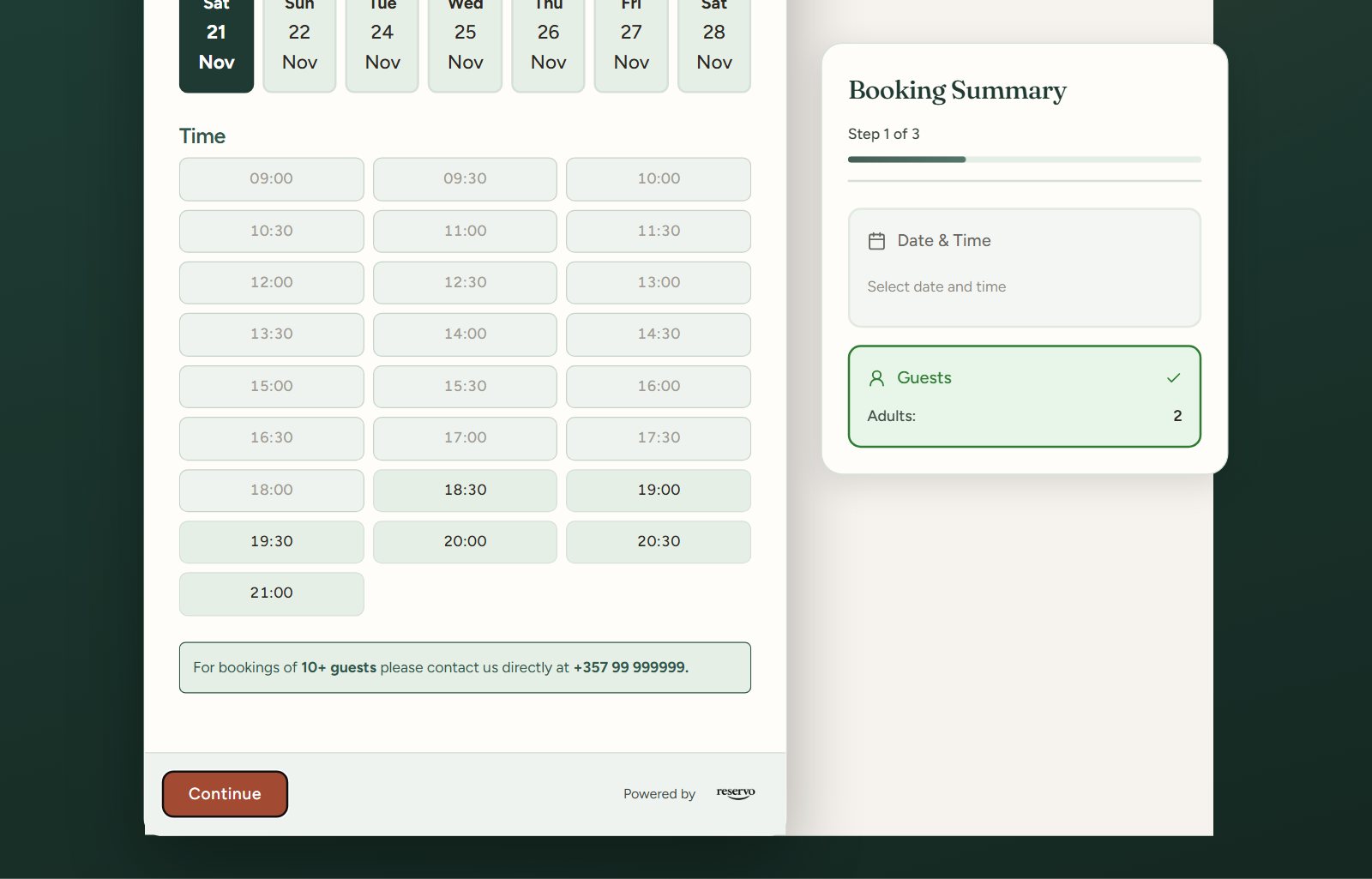
Online slots come from two places: the Hours timetable (when you are open) and Settings → Bookings (how slots are sized and how far ahead guests can book). Keep both aligned with how the room already runs.
Your booking model was chosen in onboarding (Assign specific tables vs Track seats only) and is not switched later in Settings. Inventory still needs to stay accurate under Settings → Tables & Capacity.
Block slots or tables for walk-ins and busy periods
Booking availability rules (busy rules) on Hours hold inventory back from the online calendar so walk-ins and door traffic still fit. They do not cancel existing bookings and they do not close the restaurant for the day.
Sometimes you need a table out of inventory, or the whole venue offline for a day—without rewriting busy rules. Use Close on tables, or Hours pause and holiday controls for the restaurant.