Website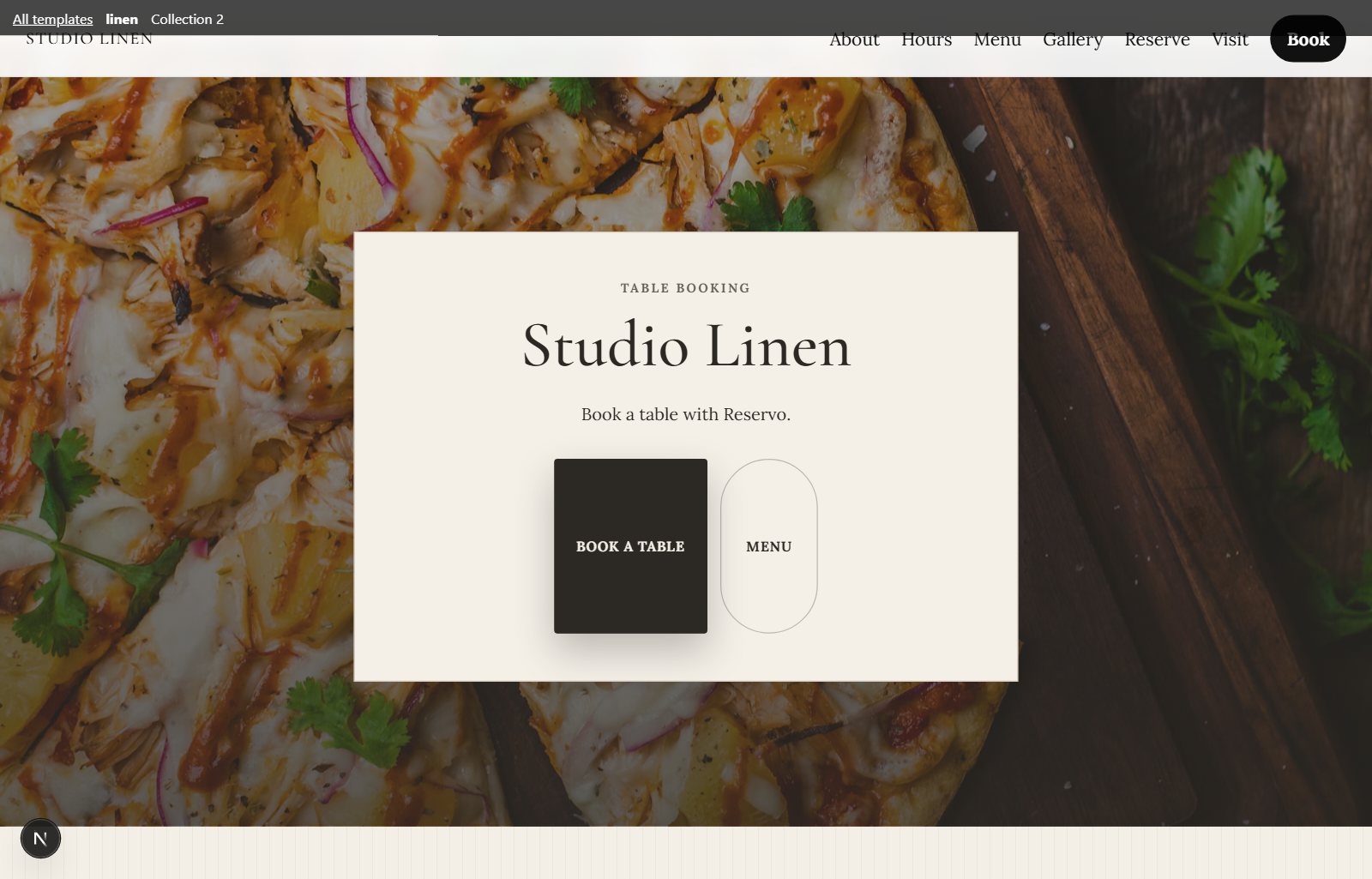
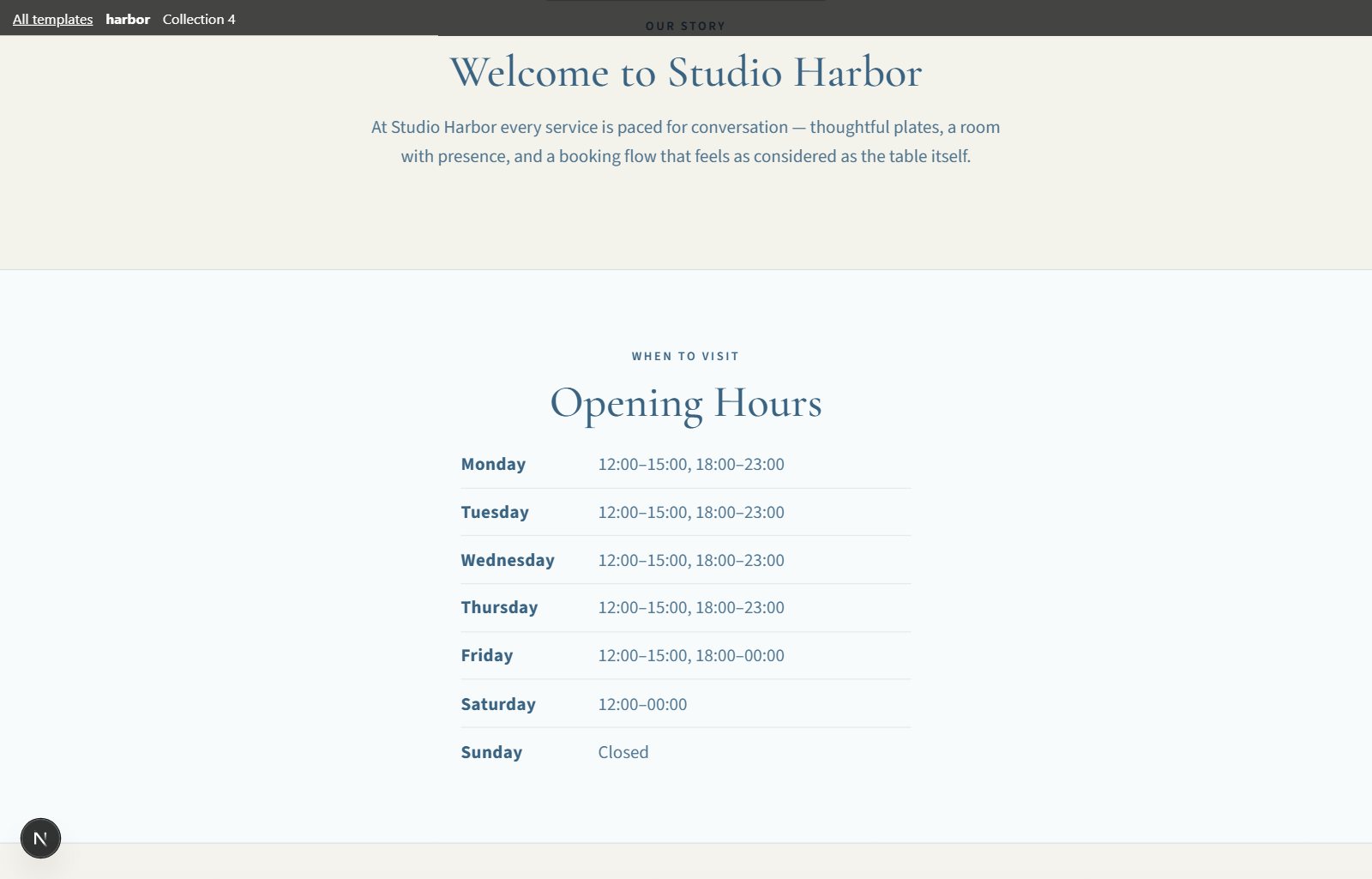
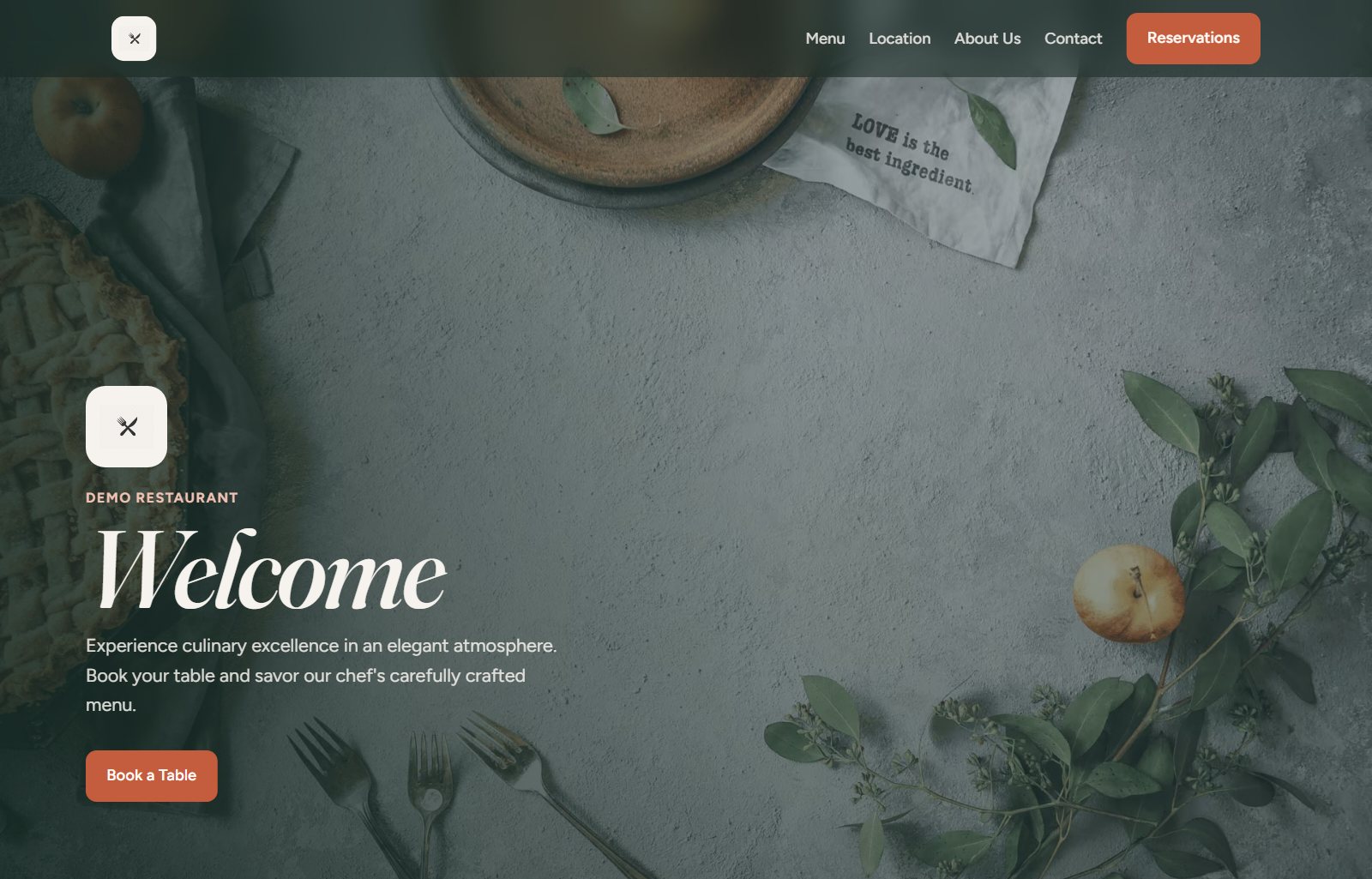
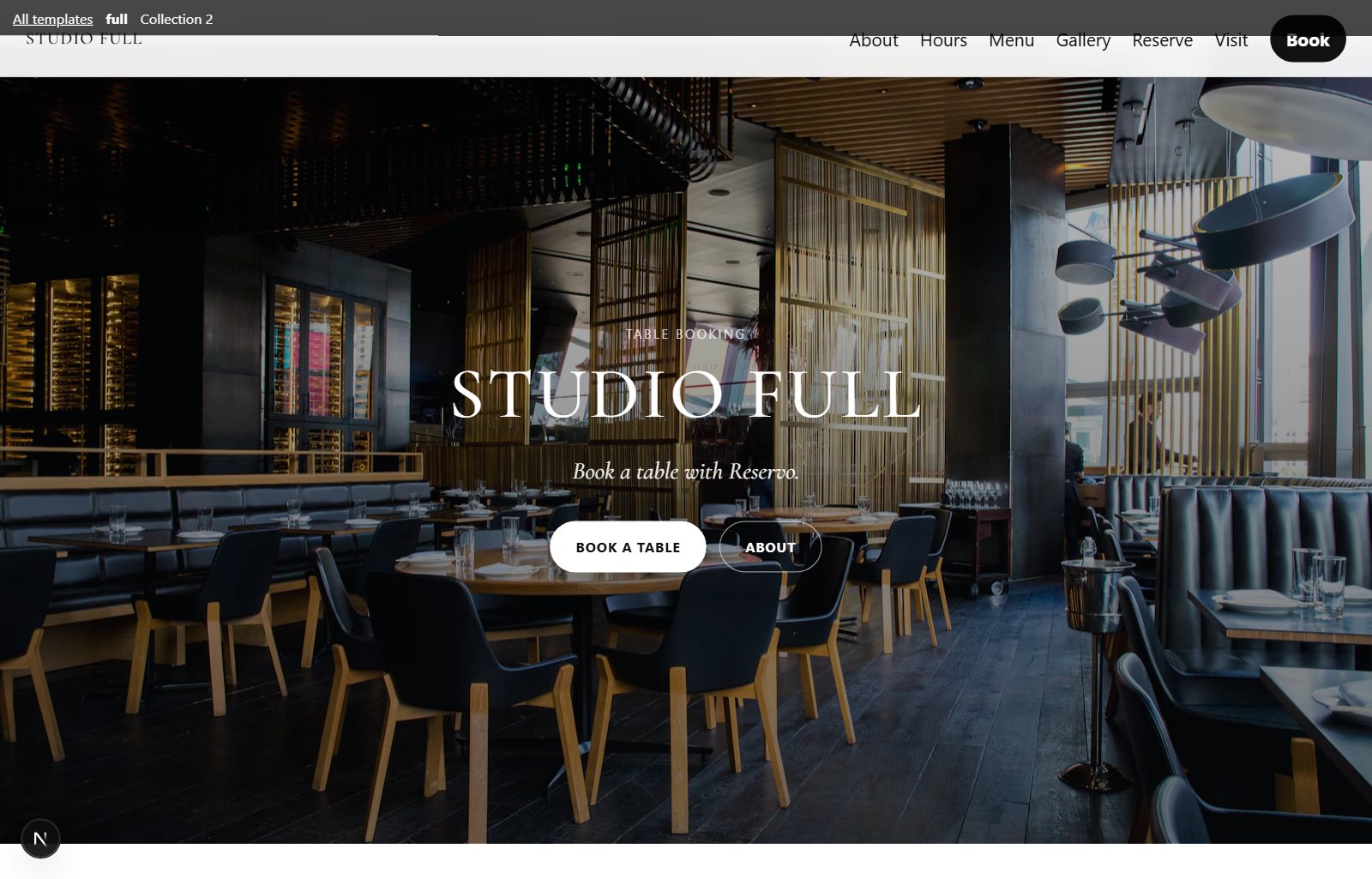
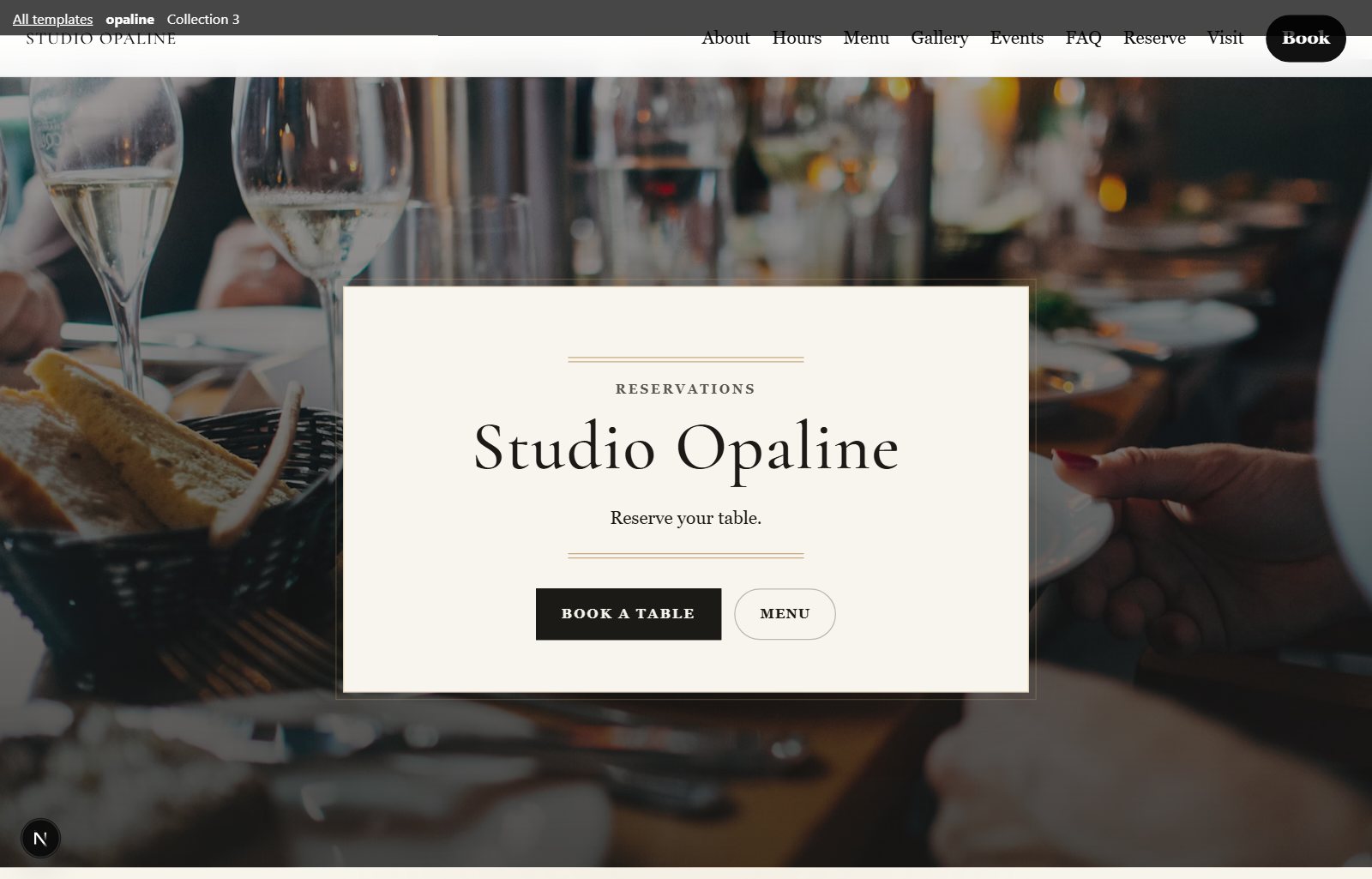
Template landing with hero photo and booking CTA — what guests see after publish.
Edit and publish your Reservo website
Self-serve websites are edited in the owners Website tab: choose a template, fill sections, then publish when ready.
Draft vs live
Save drafts as you work. Publish when the page should go live for guests. Preview before you publish after larger content changes.
Sections
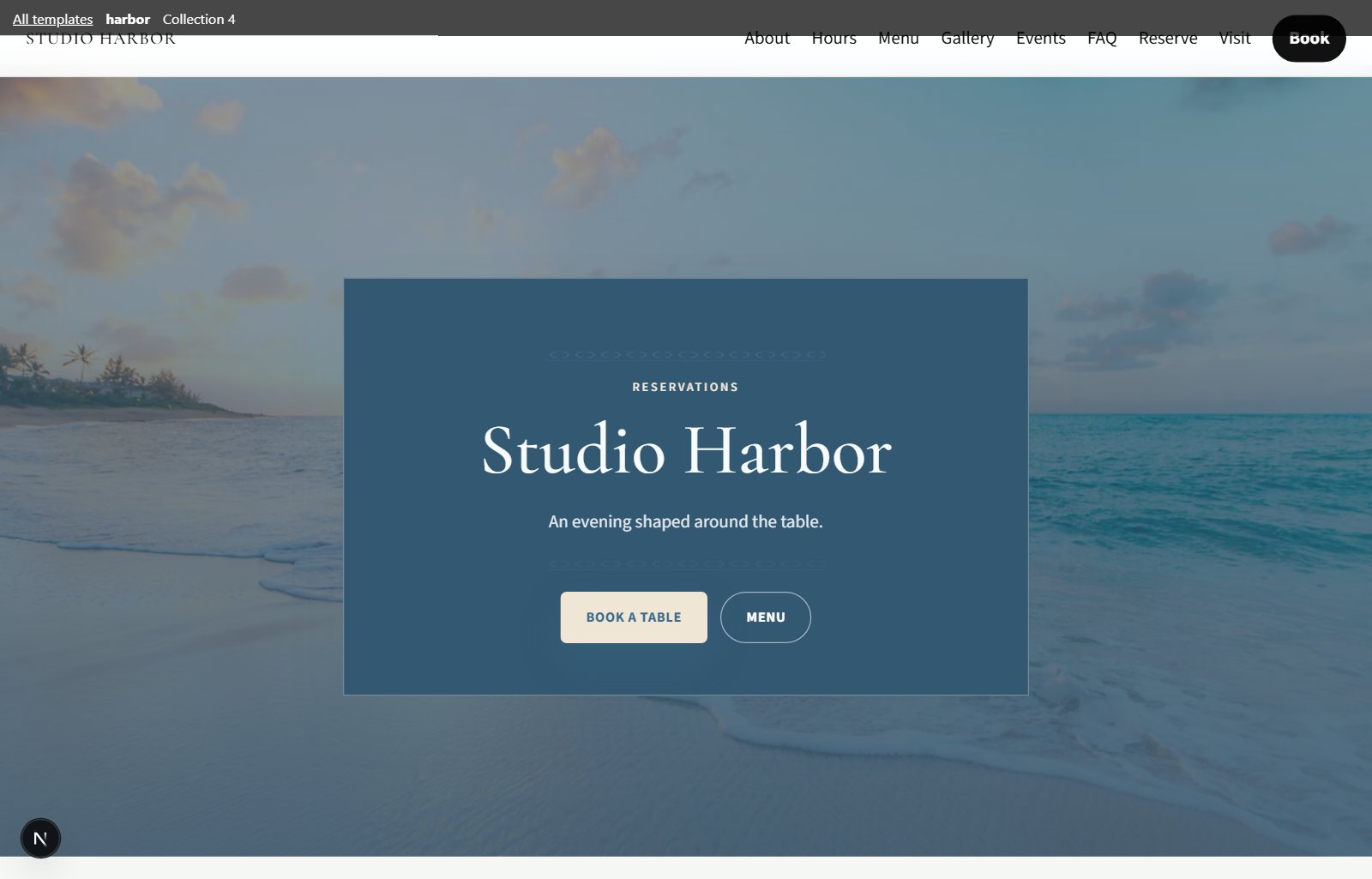
Typical sections include hero, about, hours, menu, gallery, events, FAQ, booking, and contact. Only enable what you will keep updated.