Guests reserve online from the venue’s booking page or widget, based on availability the restaurant controls.
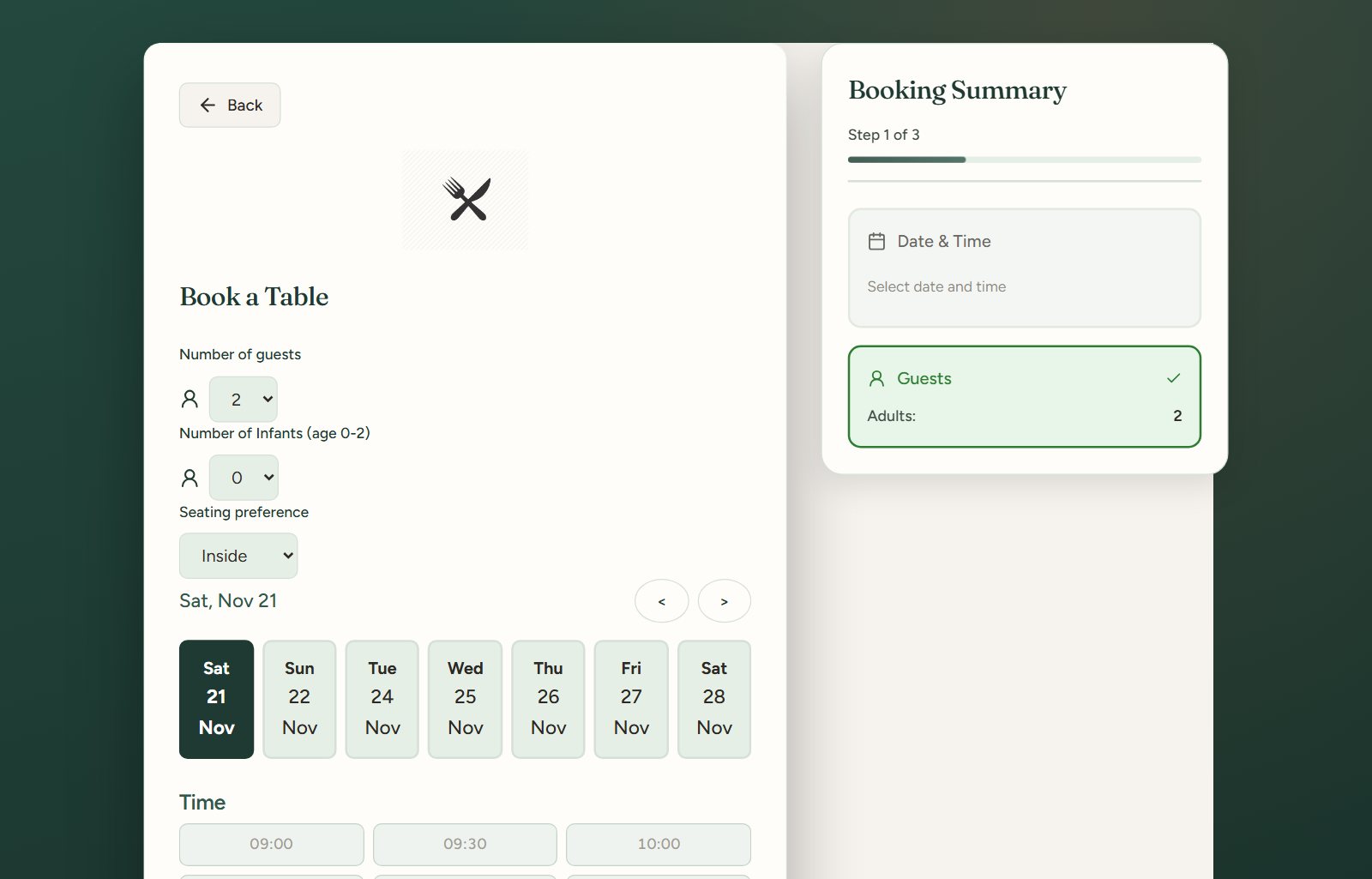
Step 1 of 3 — guests, date, and time with a live booking summary.
Typical steps
Guests choose date, time, party size, and any seating area the venue offers, then enter contact details and notes. They finish with a clear confirmation of date, time, party size, and venue.
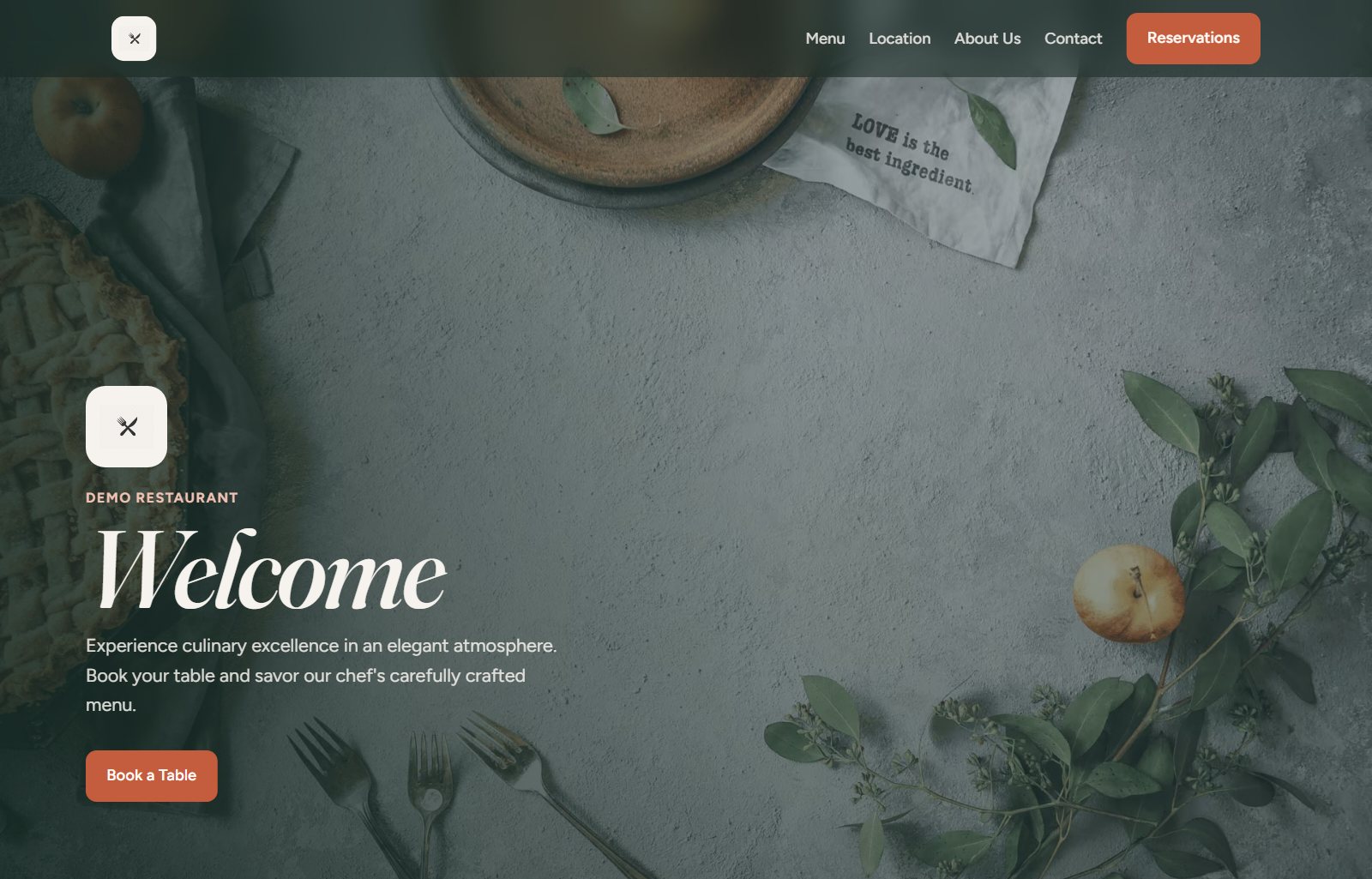
Guests usually start from the venue site — Book a Table or Reservations.
Immediate confirm vs staff accept
Depending on venue settings, the booking may confirm straight away or stay Pending until staff accept it. Guests should follow the message they receive after submitting.
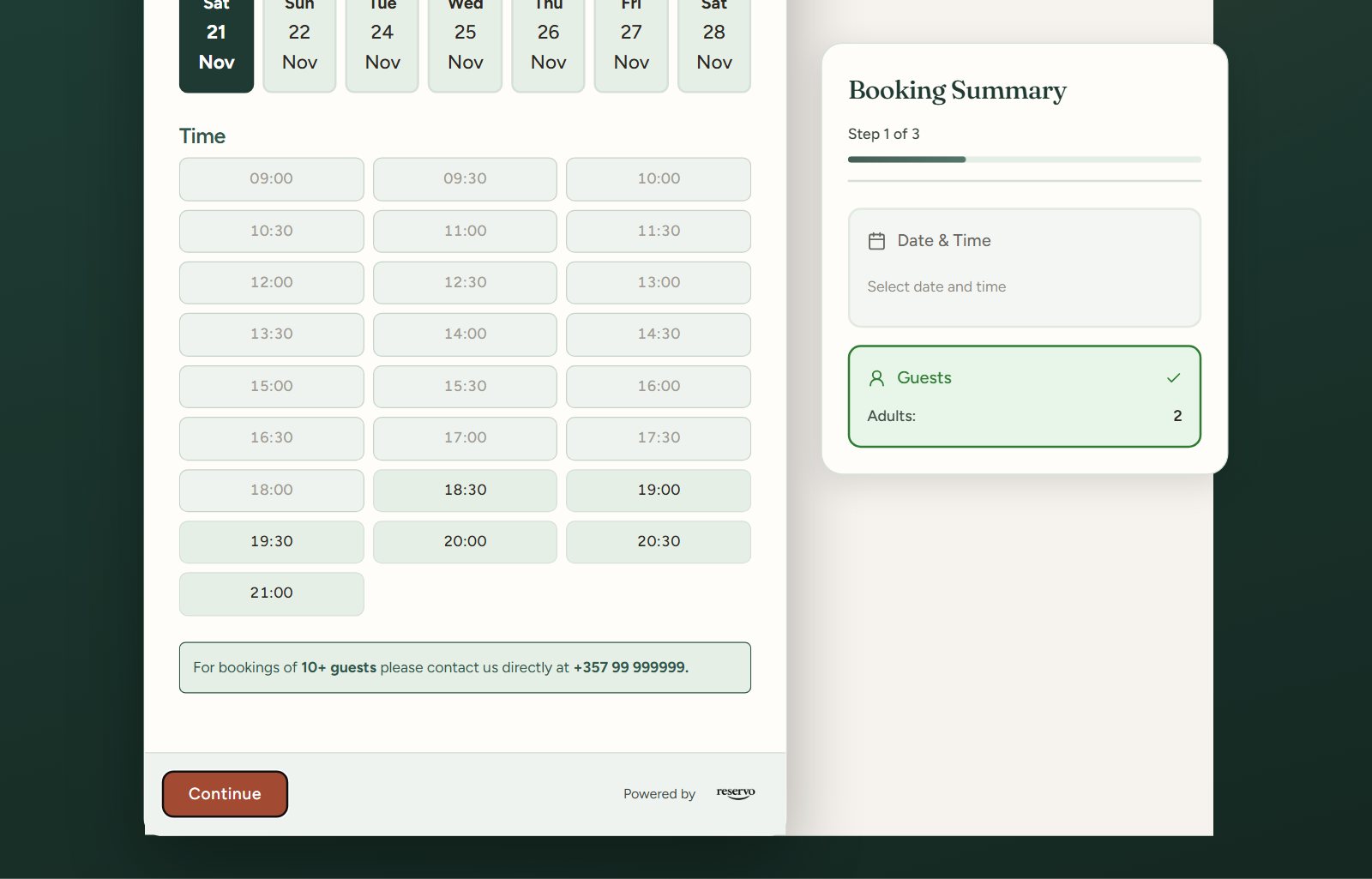
Date chips and time slots appear once party size is set.
White-labelled experience
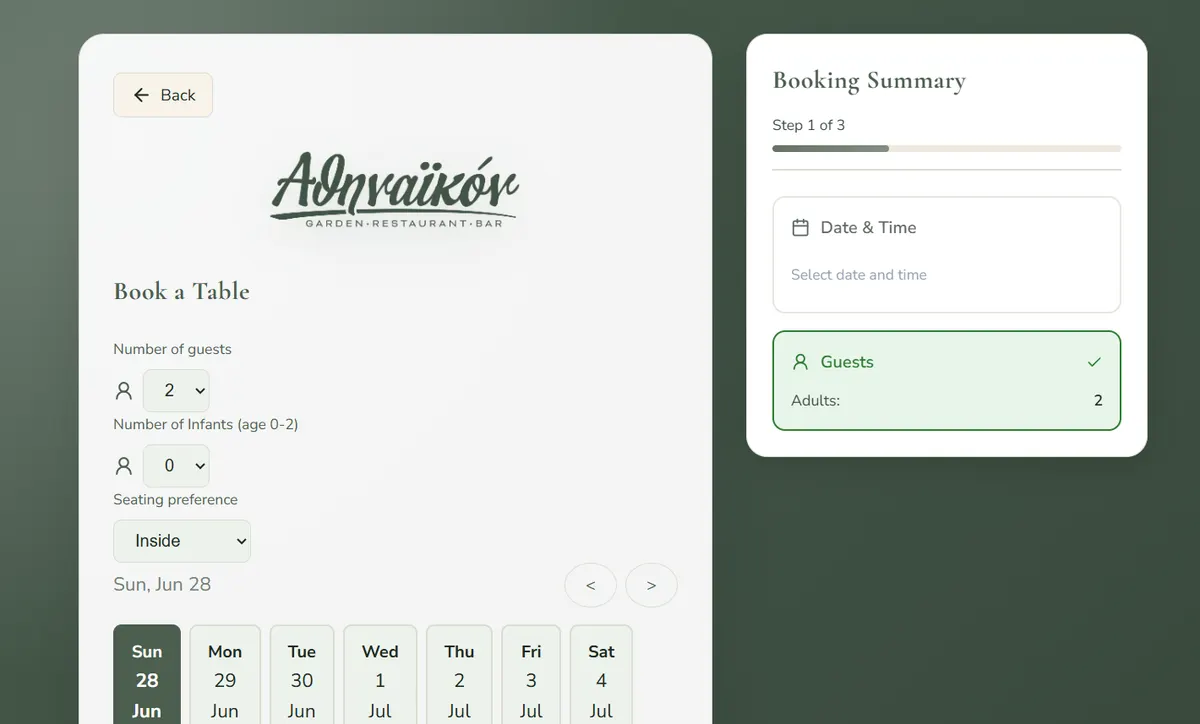
Guests see the venue name, logo, and colours—not a Reservo-branded product shell—on the booking page and widget.
White-labelled booking keeps the venue’s brand through the contact step.