Staff sign in at the owners app URL. Use forgot password if you cannot access the account email inbox used at signup.
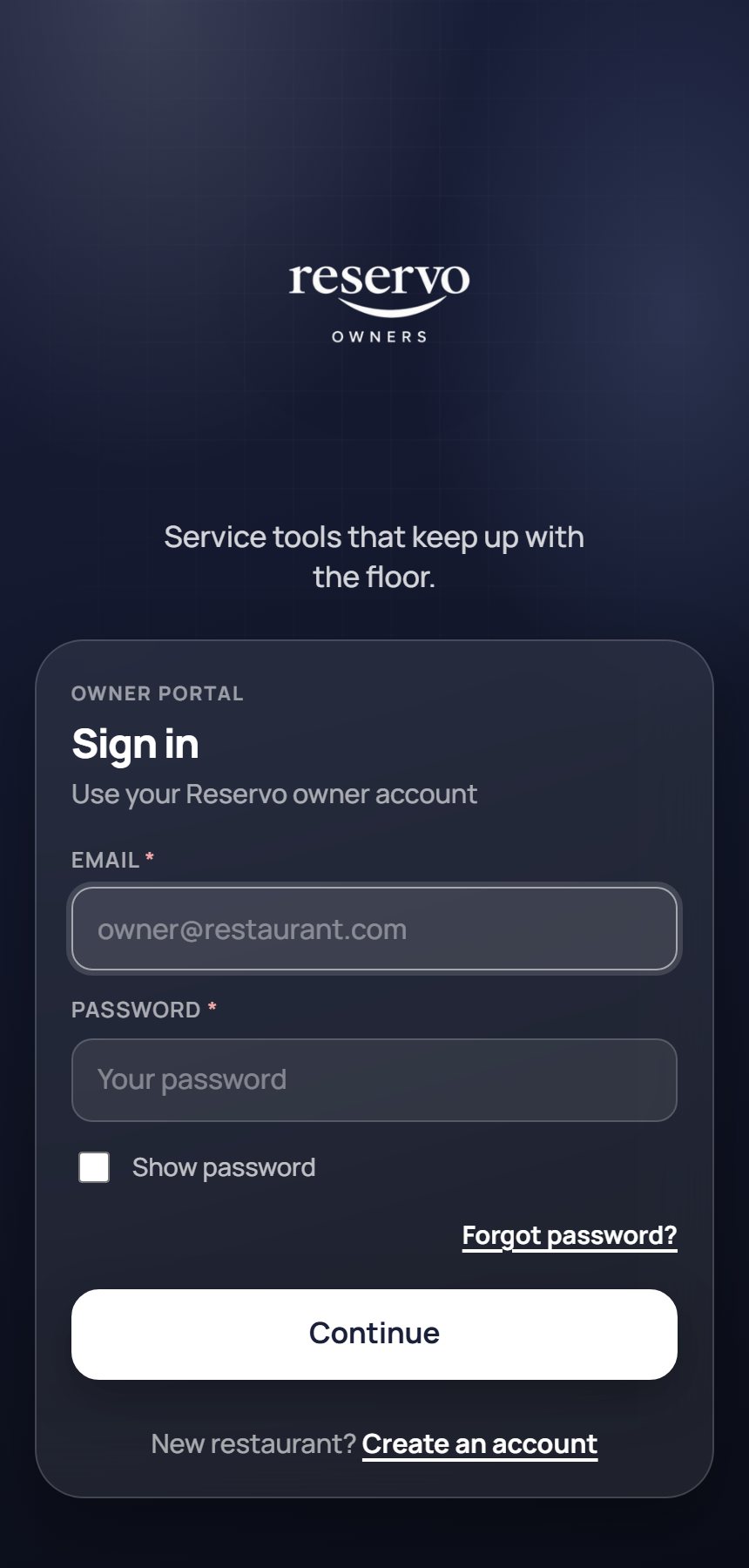
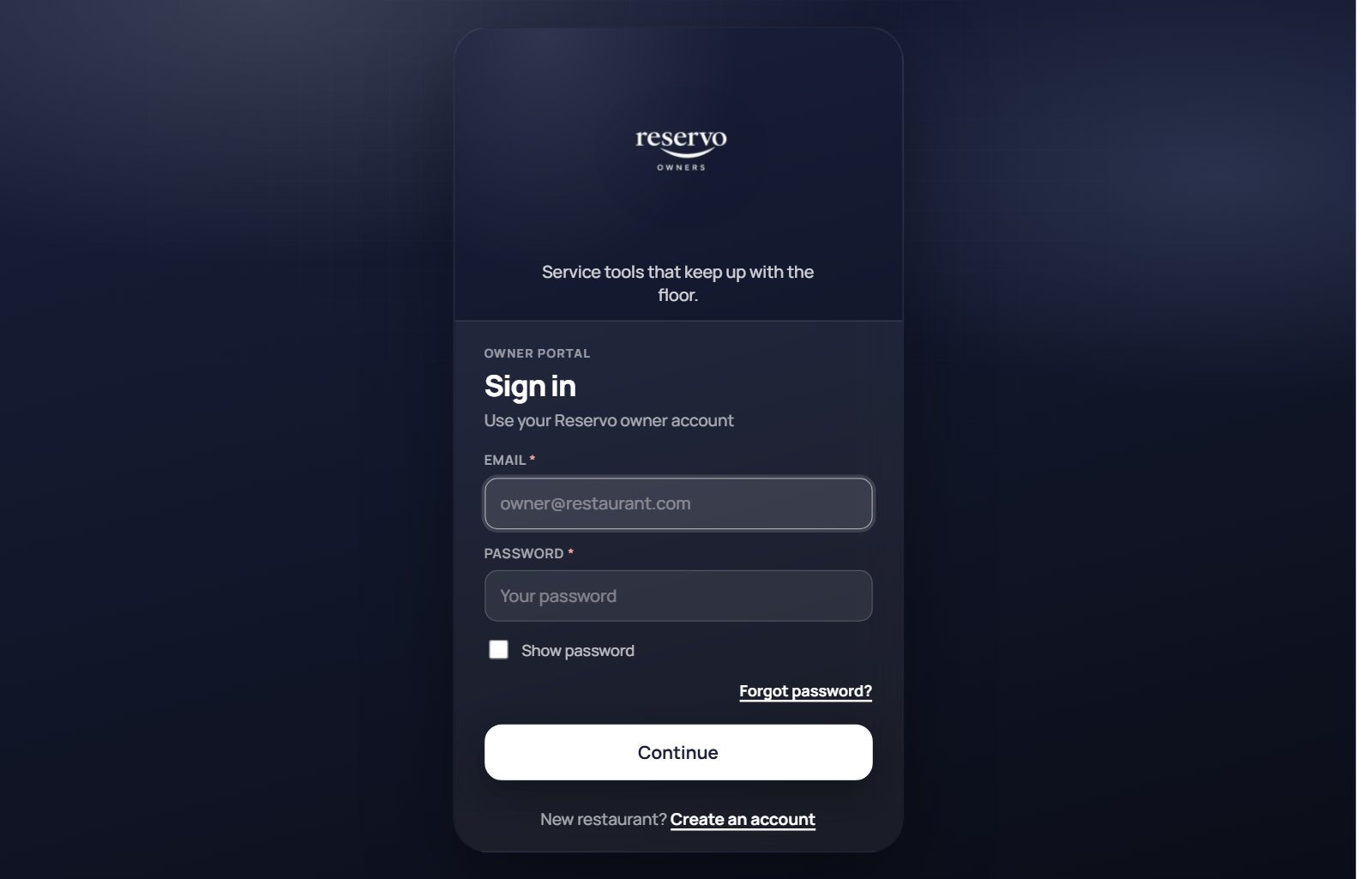
Owners login — email, password, and Continue.
Sign in
Open owners.withreservo.com (or the URL your team was given), enter email and password, then select the restaurant if you manage more than one.
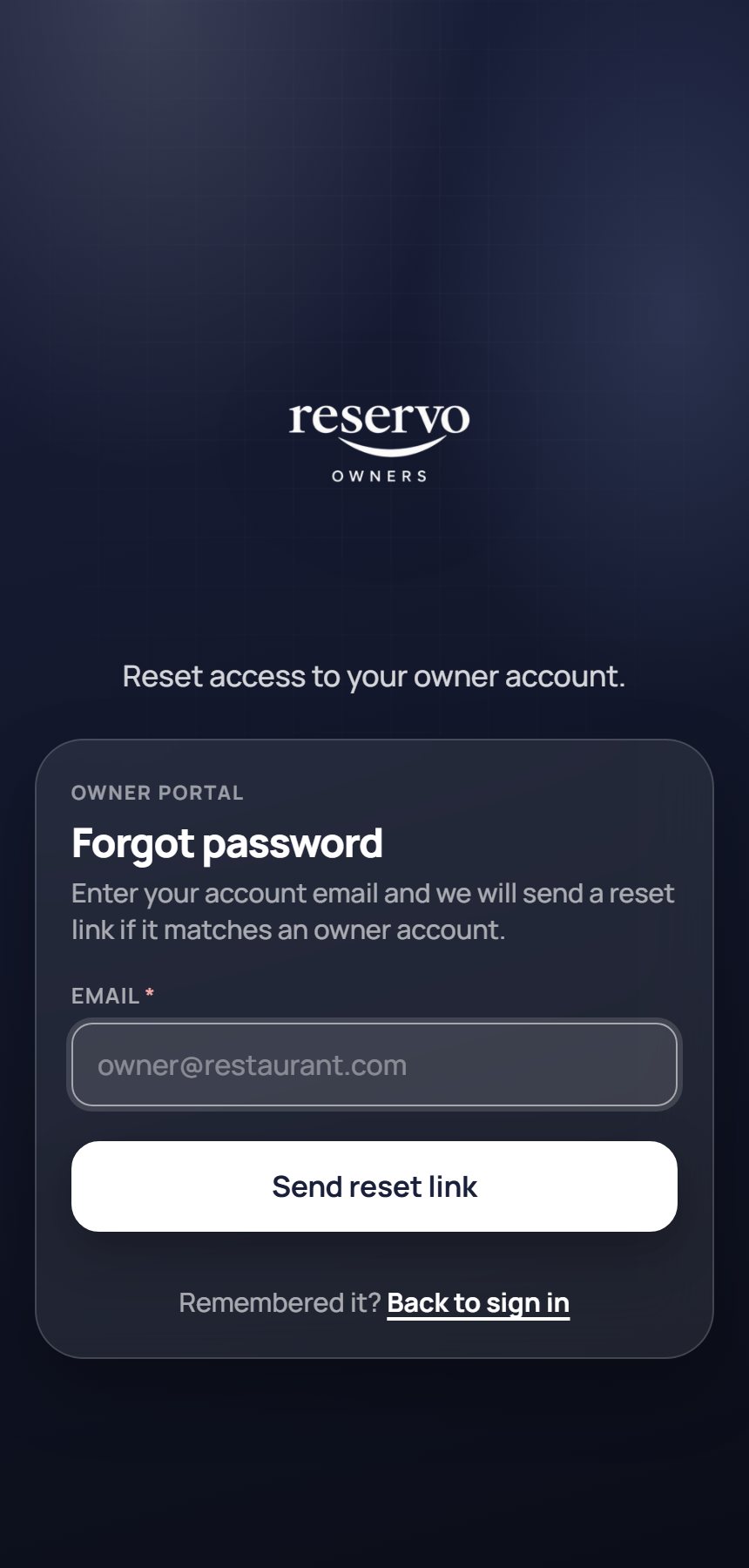
Forgot password
Use Forgot password on the login screen and follow the email link. If no email arrives, check spam and that you used the correct address, then contact support.
Forgot password sends a reset link to the owner email.