
What Reservo is
Reservo is the reservation system for one restaurant, or several under one login. Guests book on a page built for that venue. Owners and staff use Reservo on a phone, tablet, or PC.
Read article
Start here if you are new to Reservo or bringing a venue online for the first time.
Reservo is the reservation system for one restaurant, or several under one login. Guests book on a page built for that venue. Owners and staff use Reservo on a phone, tablet, or PC.
Read articleEach venue uses one booking model. The model is how Reservo adapts to that room, so the same app follows the way you already seat people.
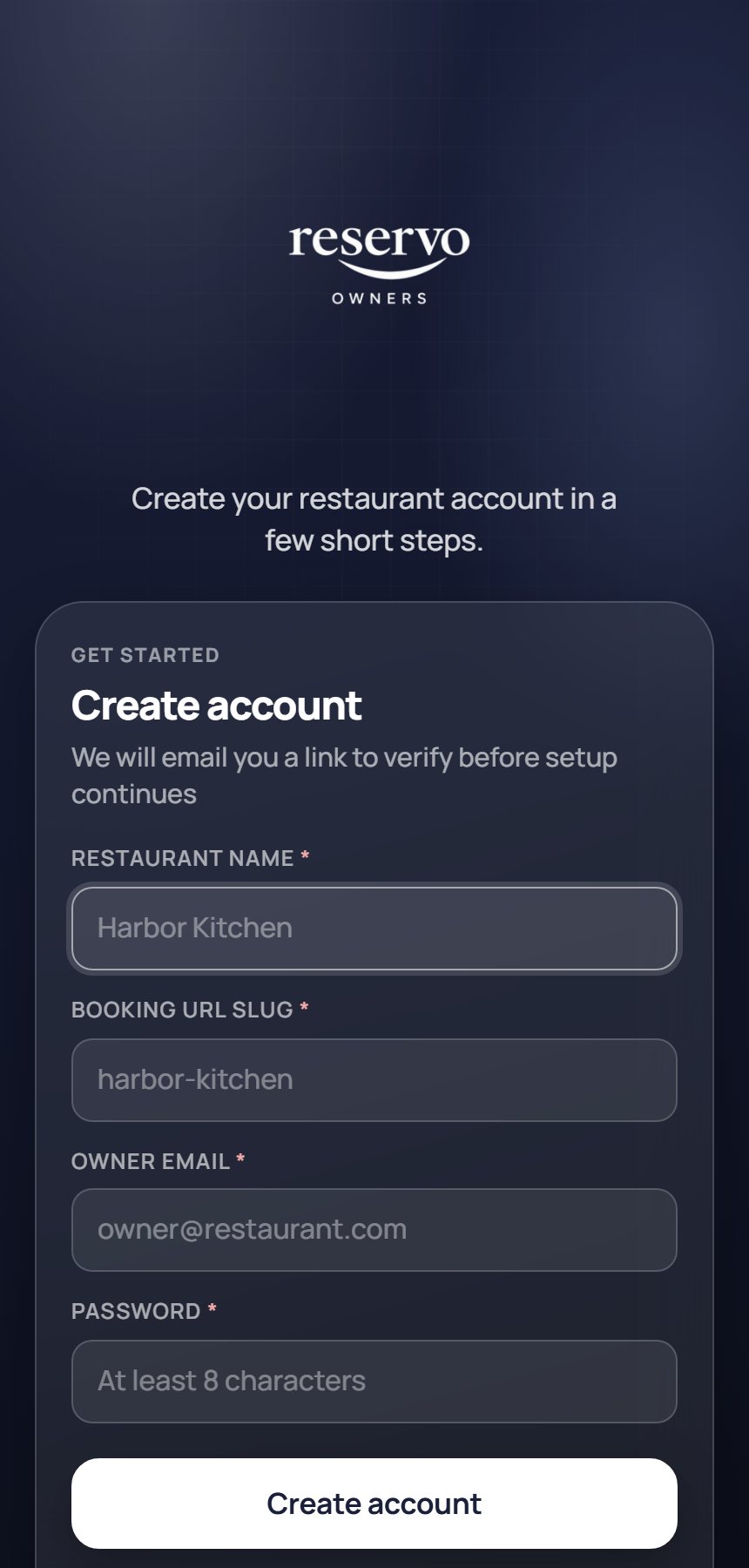
Read articleGoing live is a straight path: create the owners account, verify email, complete Restaurant setup (7 steps), start the 30-day trial, then finish the Getting started checklist on the dashboard until guests can book and staff can run the day.
Read articleAfter activation, prove the guest path, lock hours and inventory, train the floor, then only add extras the team will use. The owners app also shows a Getting started panel for the first day.
Read article