First-week checklist for a new venue
After activation, prove the guest path, lock hours and inventory, train the floor, then only add extras the team will use. The owners app also shows a Getting started panel for the first day.

Getting started panel (day one)
On the dashboard, work through Getting started: Add your first booking, Copy guest booking link (or Set your guest booking link), Review today’s bookings, Check the daily schedule, Confirm opening hours, Open the floor plan (tables model), Explore guest profiles, Glance at analytics / Try floor ordering when those tabs exist, and Open restaurant settings. Dismiss the panel when you are done; the same tabs stay in the sidebar.
Confirm the guest path
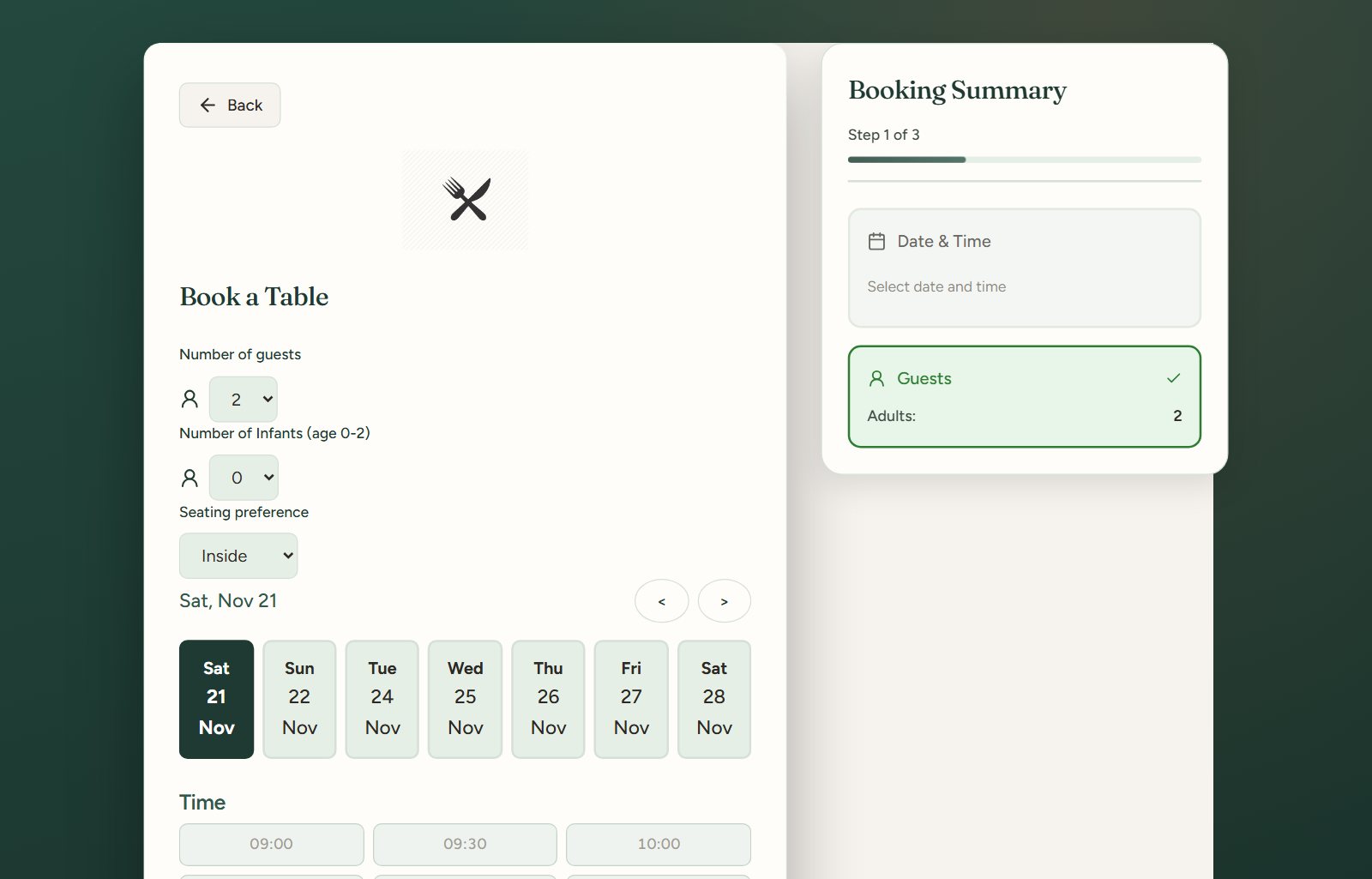
Open the guest booking link on a phone. Place a real test reservation through date, time, party size, and contact steps. Confirm the guest email (if sent), that the booking appears under Bookings, and that Pending vs Confirmed matches your auto-confirm setting.
Align hours, rules, and inventory
Under Hours, confirm Weekly operating hours and any holidays. Under Settings → Bookings, review Slot step, Duration, Min. notice, Book ahead, and Auto-confirm online bookings. Under Settings → Tables & Capacity, confirm tables or area caps match the room. Add busy rules if online guests would otherwise fill every walk-in slot.

Train the floor
Walk staff through Bookings statuses (Pending, Confirmed, Seated, Completed, No-show, Cancelled), Add booking / walk-in, Schedule during service, and—on tables venues—Floor including Change table. Keep one owner responsible for Hours and Settings changes.
Decide on extras
Reminders, reconfirm links, SMS or WhatsApp, analytics, floor ordering, and website publishing depend on plan or quote. Enable only what the team will use this week. For managed websites, request content changes from Fortuna rather than assuming a full self-serve editor.